



Description
Oversee OS is one app with two ways in. Let your Oversee team do the work, and use the app to watch it happen, message the team and approve what goes out. Or run the tools yourself, with Oversee AI doing the heavy lifting, free to start. Hand any part to the team whenever you like.
What’s included
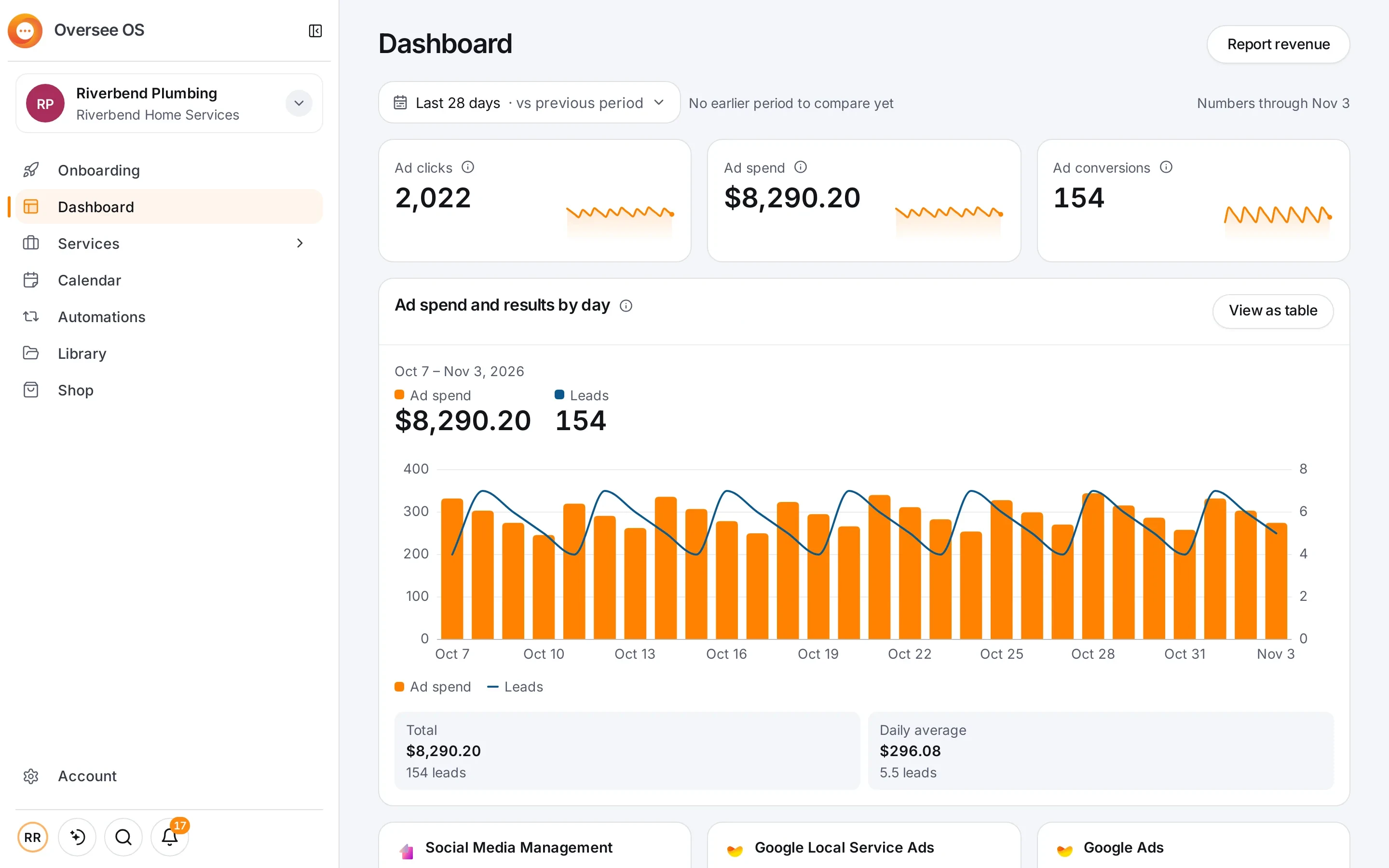
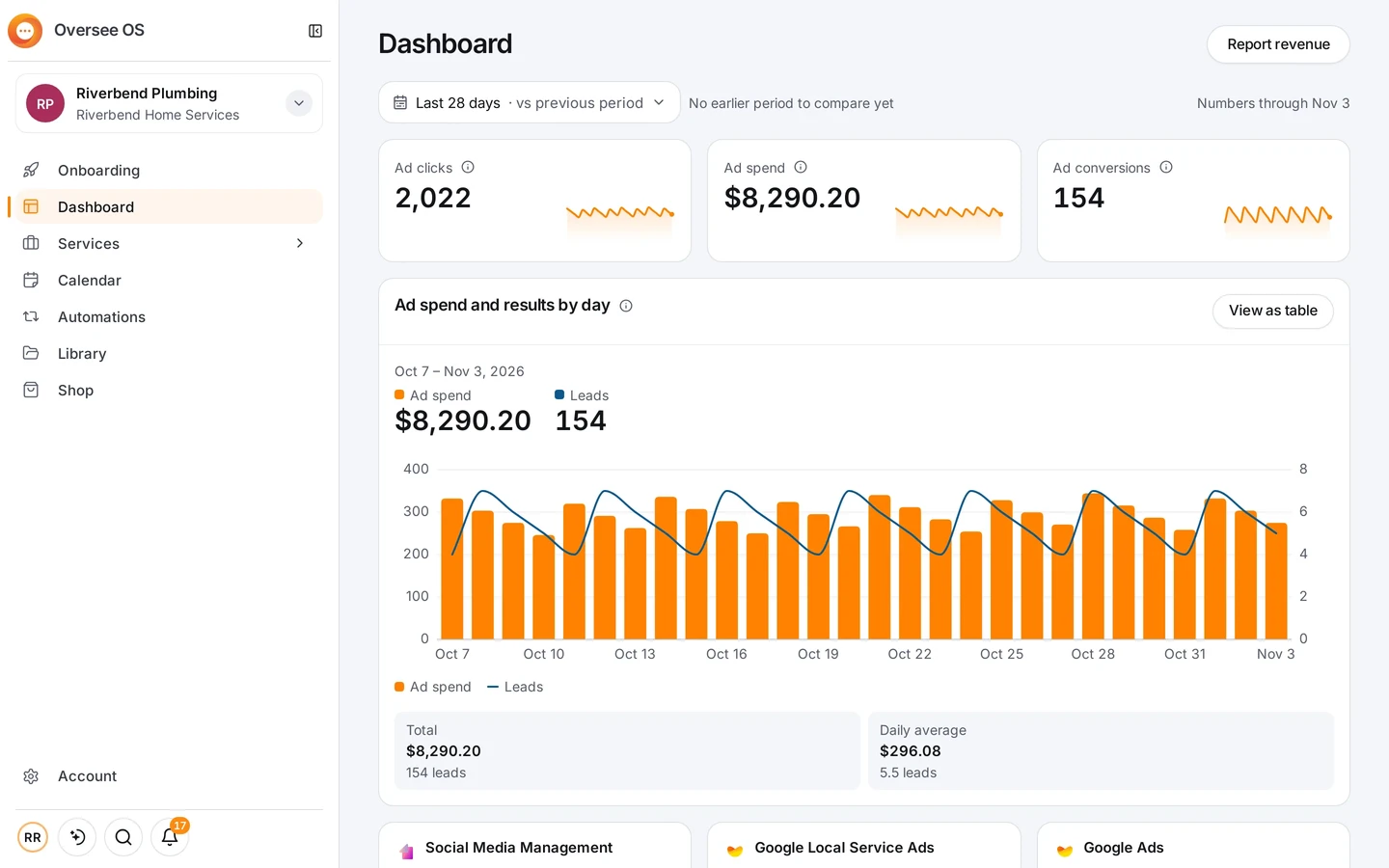
- Dashboard. What needs you is at the top: posts to review, messages to read and accounts to connect.
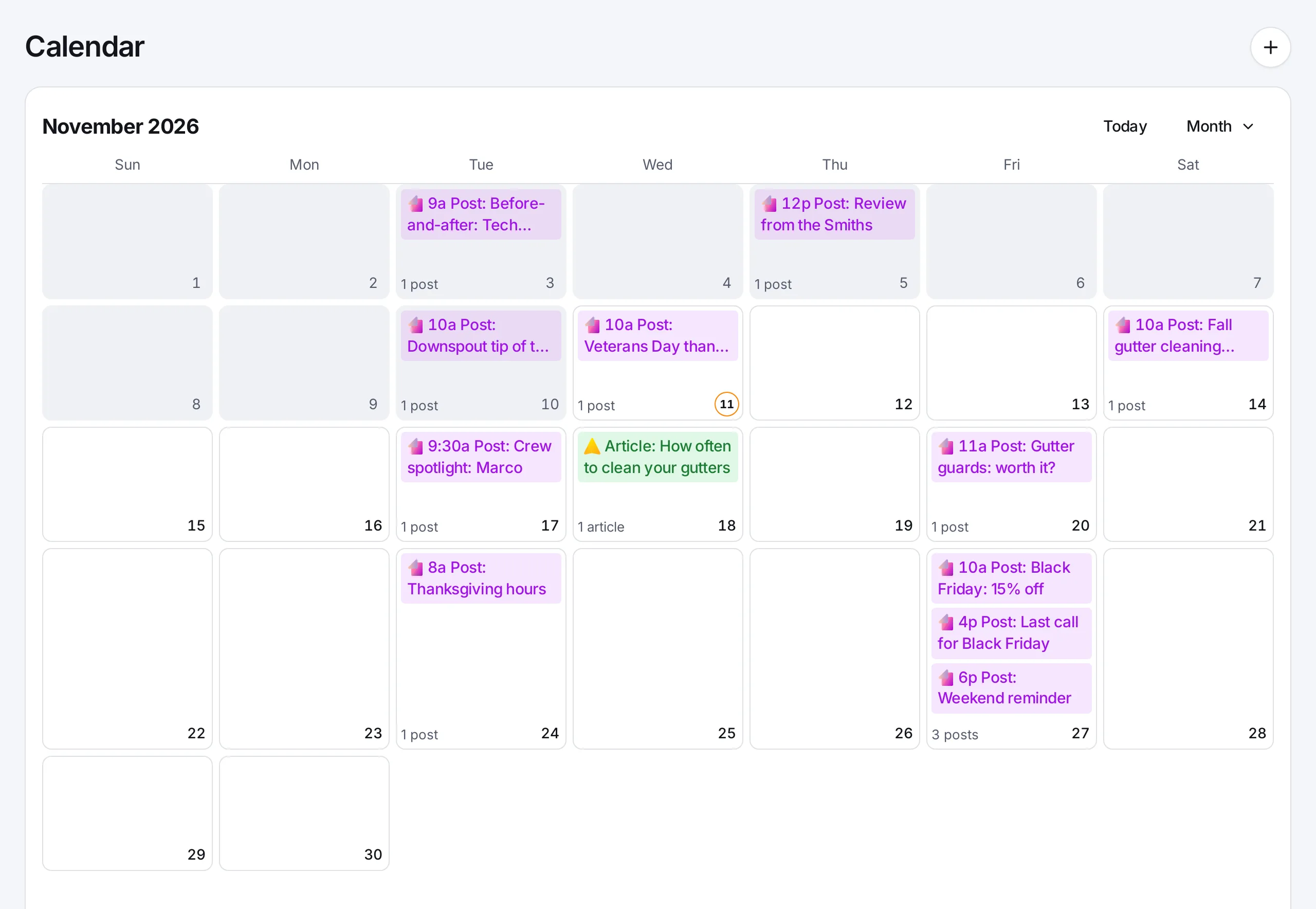
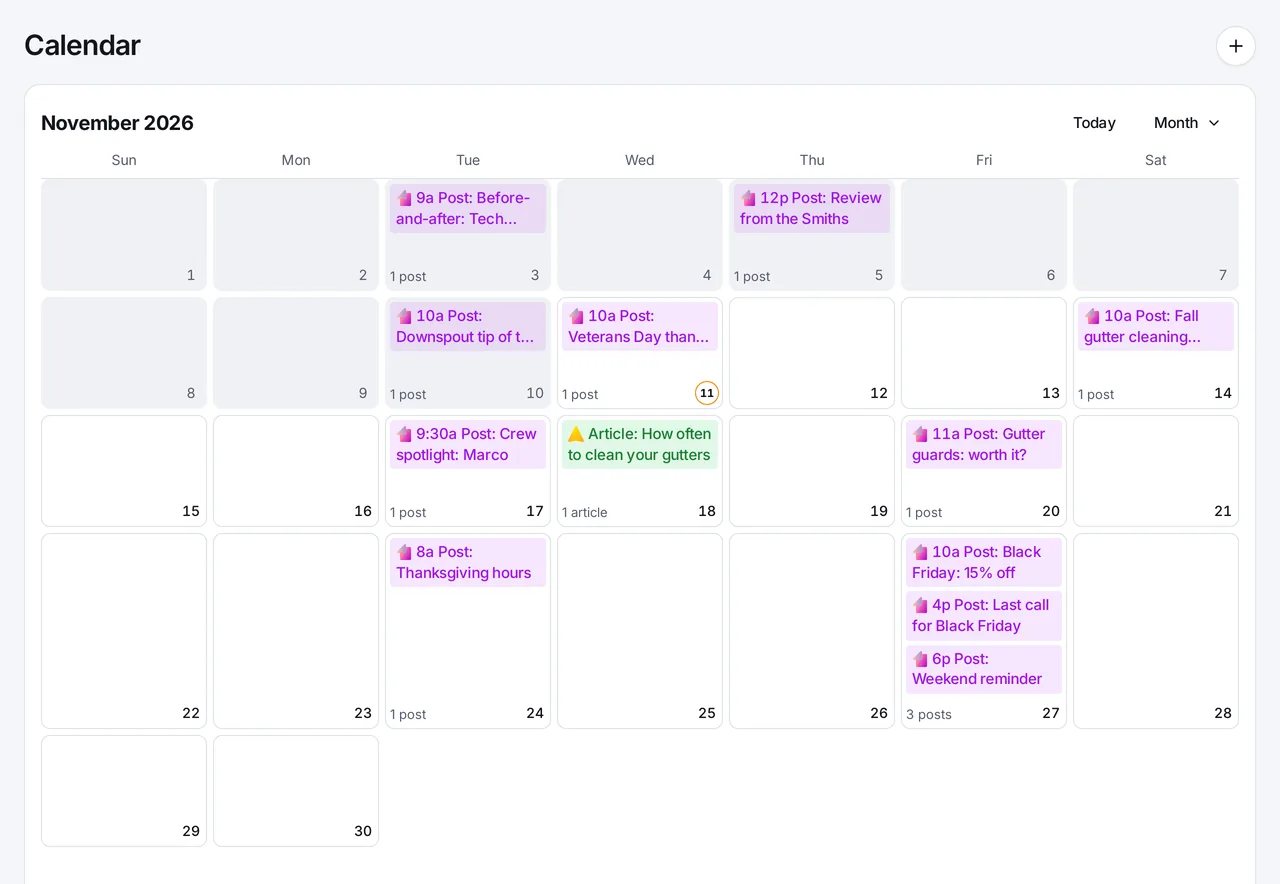
- Calendar. Every post and article on the day it goes out. A post is written once and shaped for each network it goes to, and the draft saves as you go.
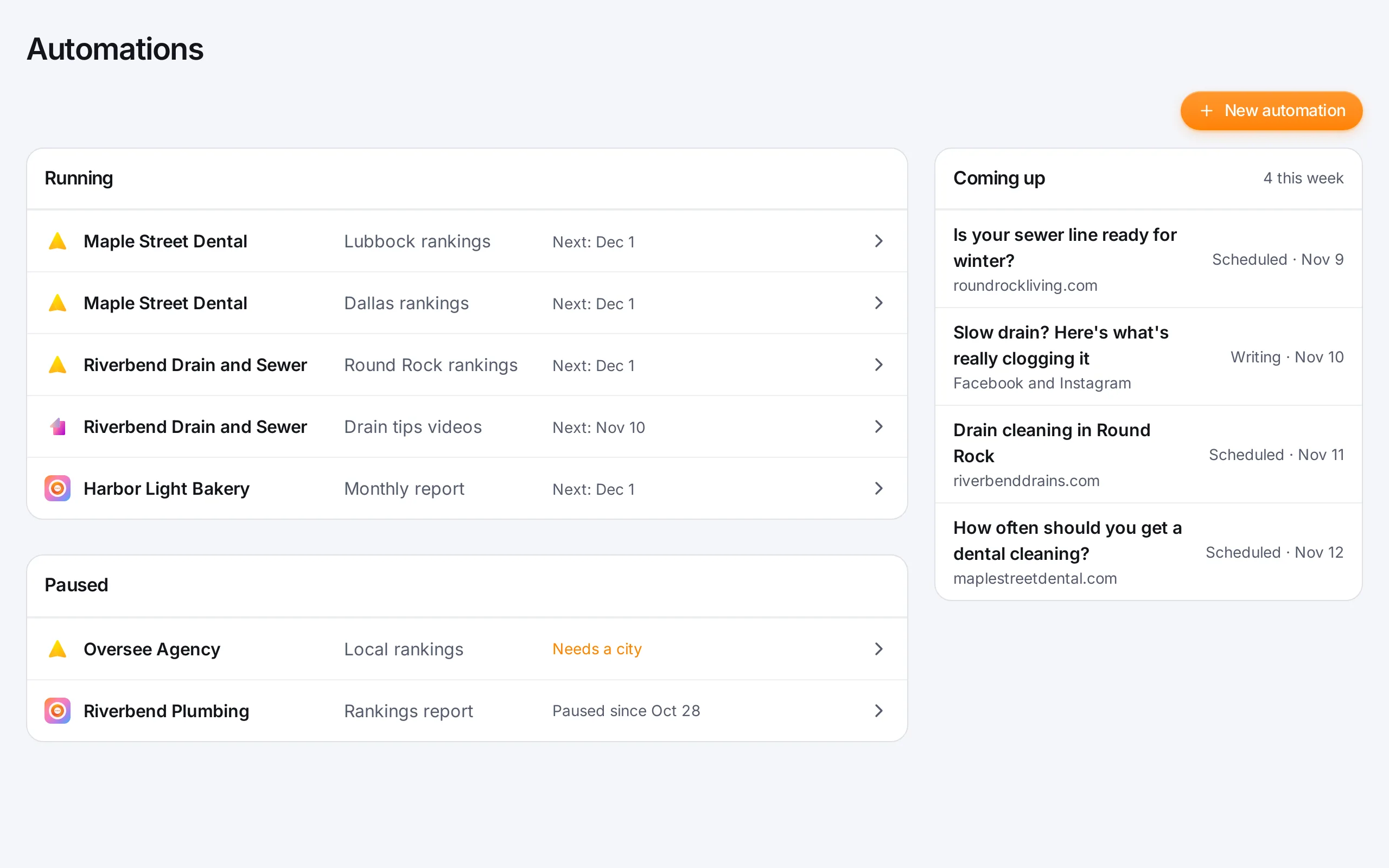
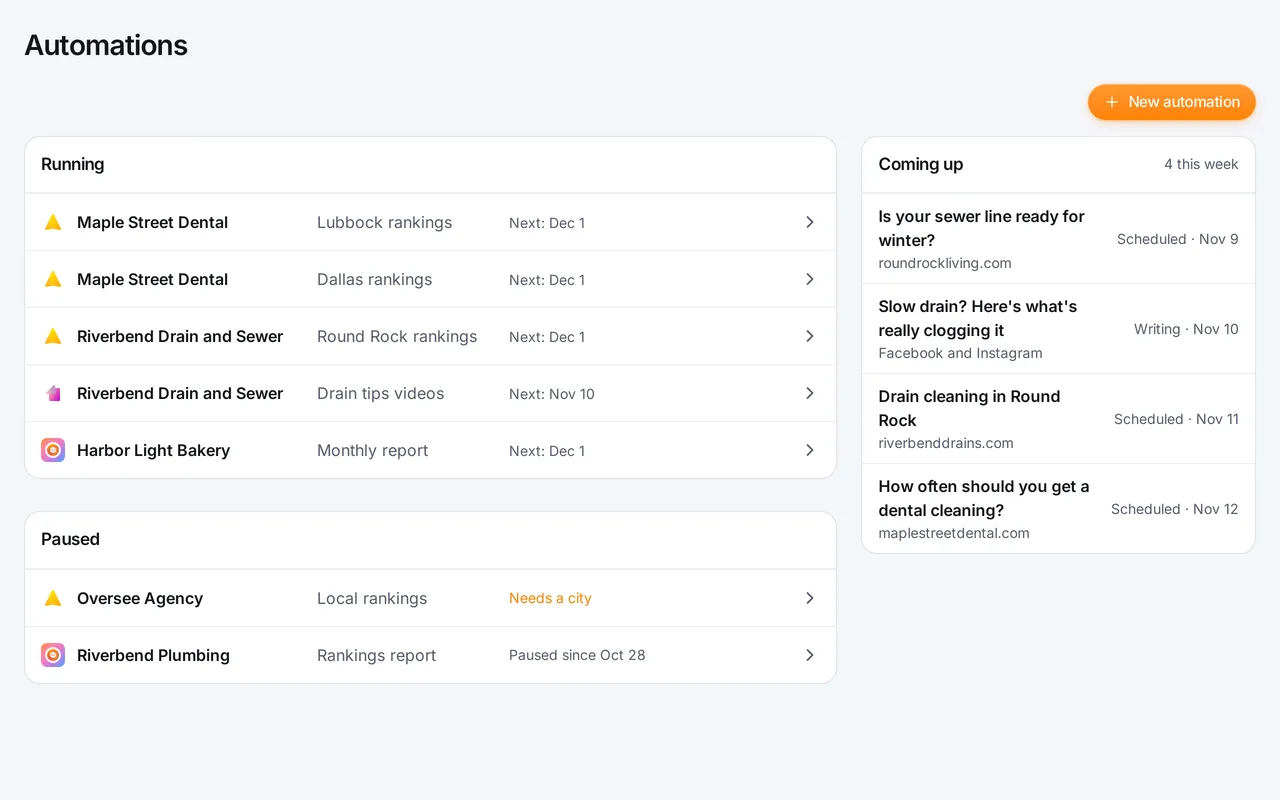
- Automations. SEO Autopilot, Social posts, Articles and Report work through your marketing on a schedule. See what is running and what is coming up this week, and pause one whenever you like.
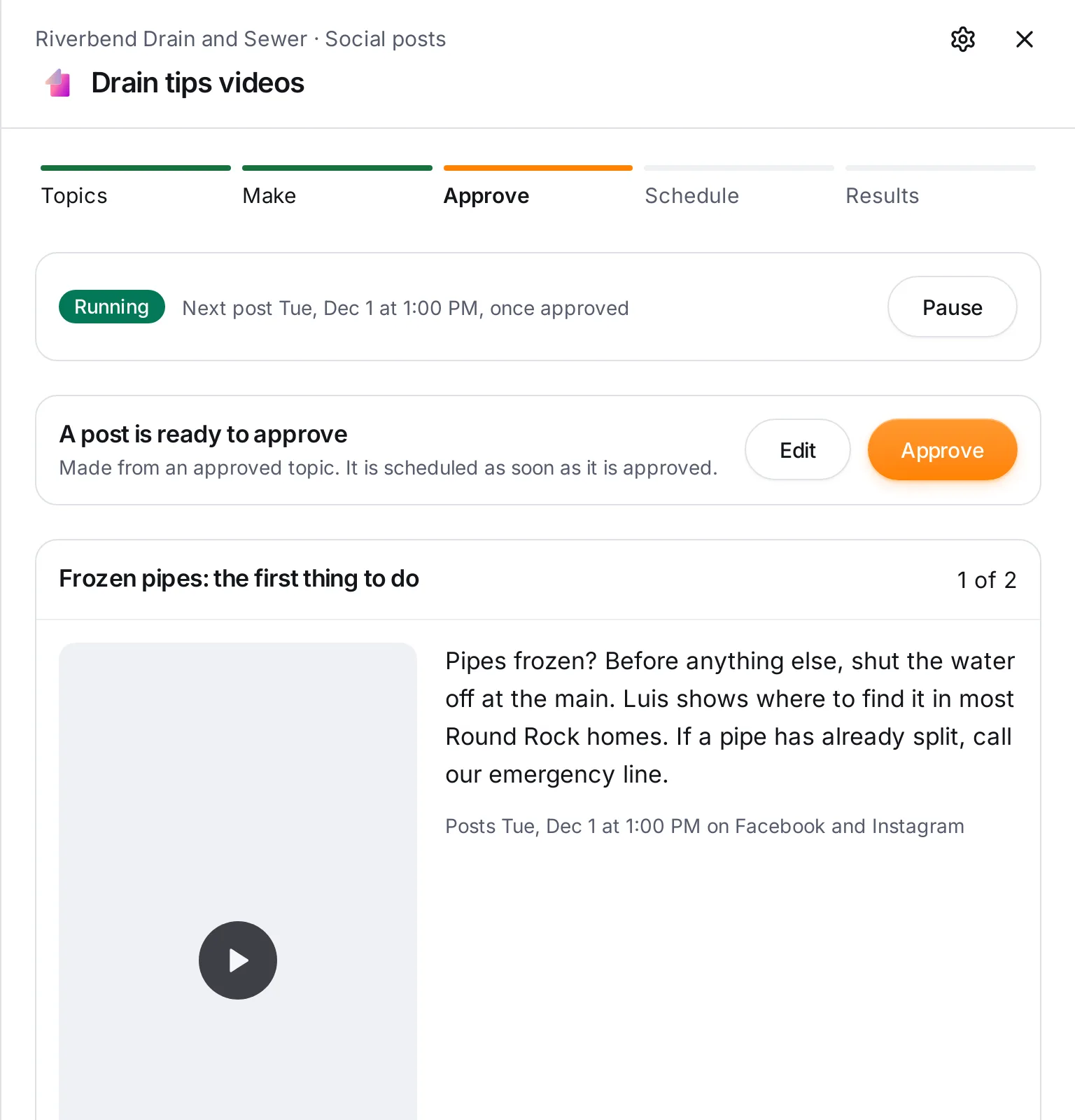
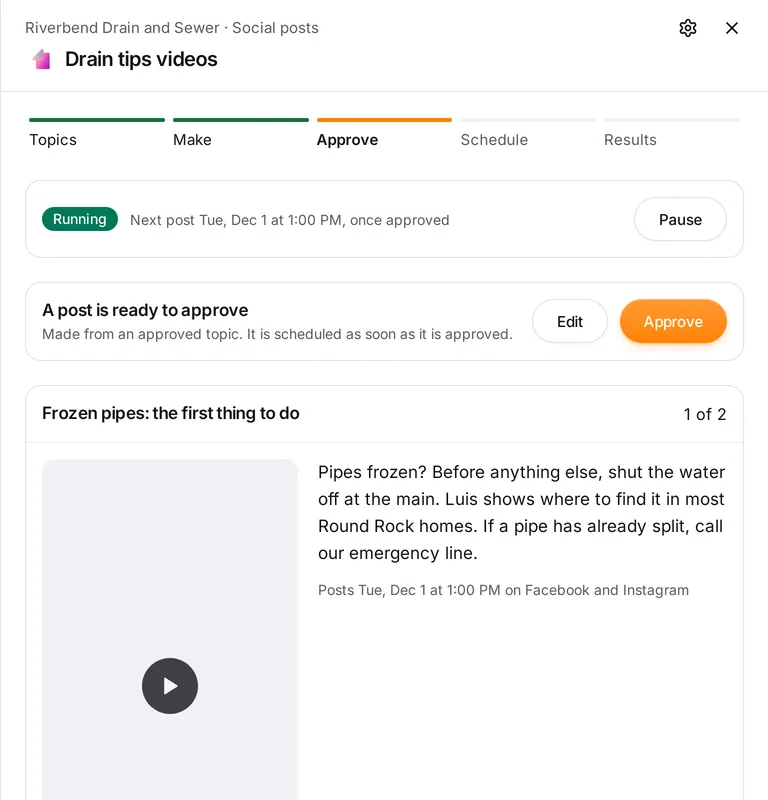
- Approvals. Approve a post as it is, or ask for an edit in your own words. Set who approves social posts, articles, reports and SEO plans: you, or let Oversee handle it.
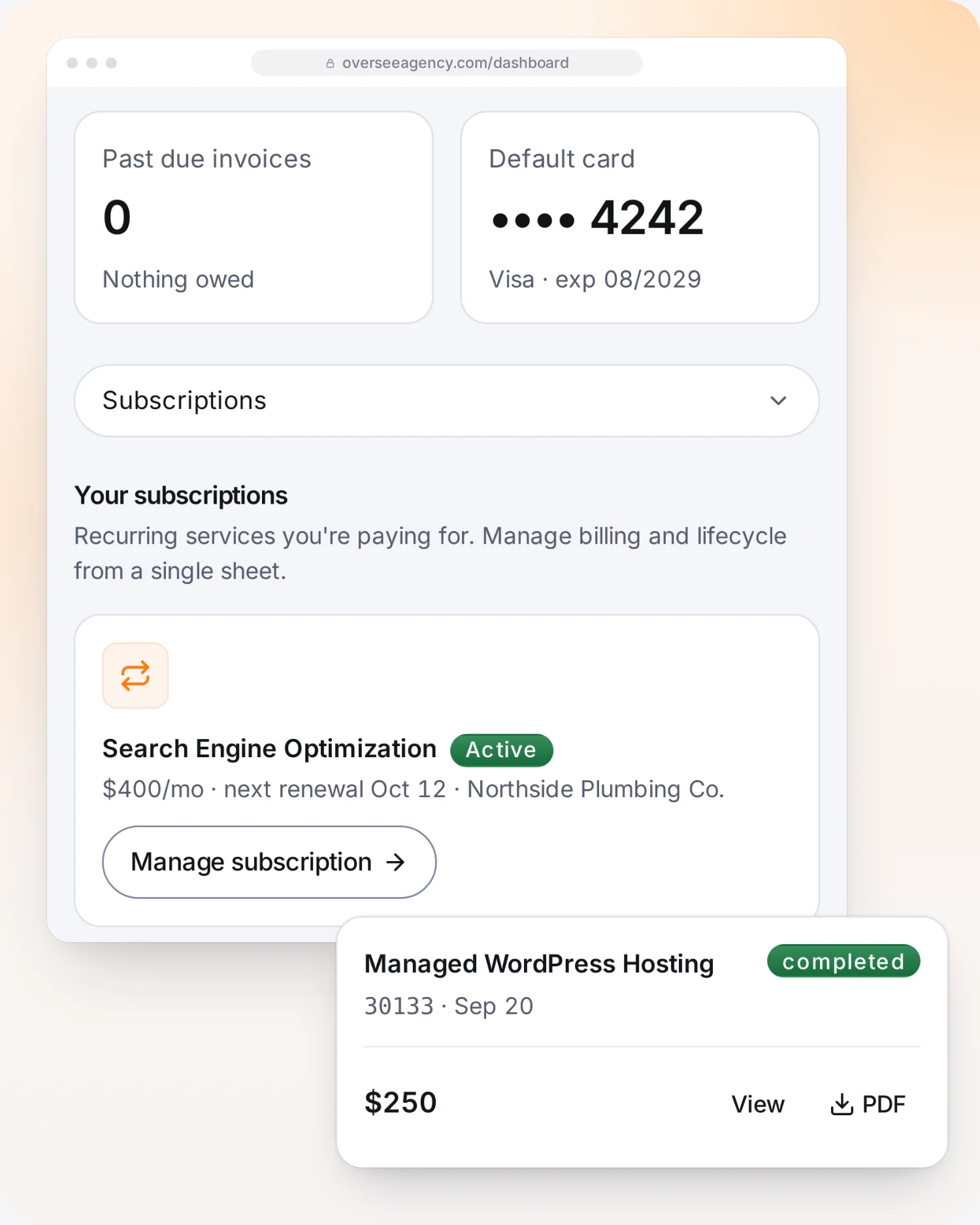
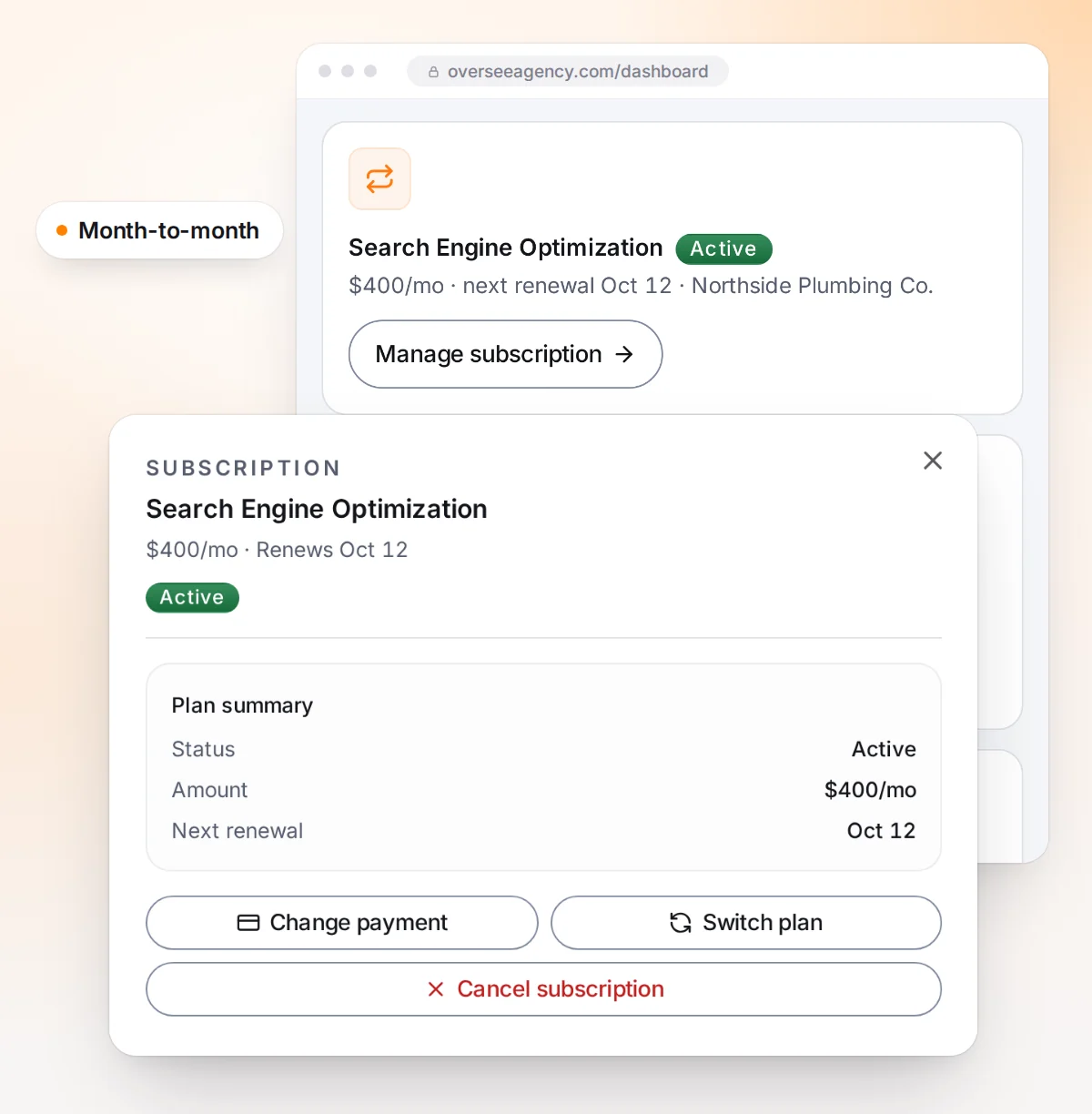
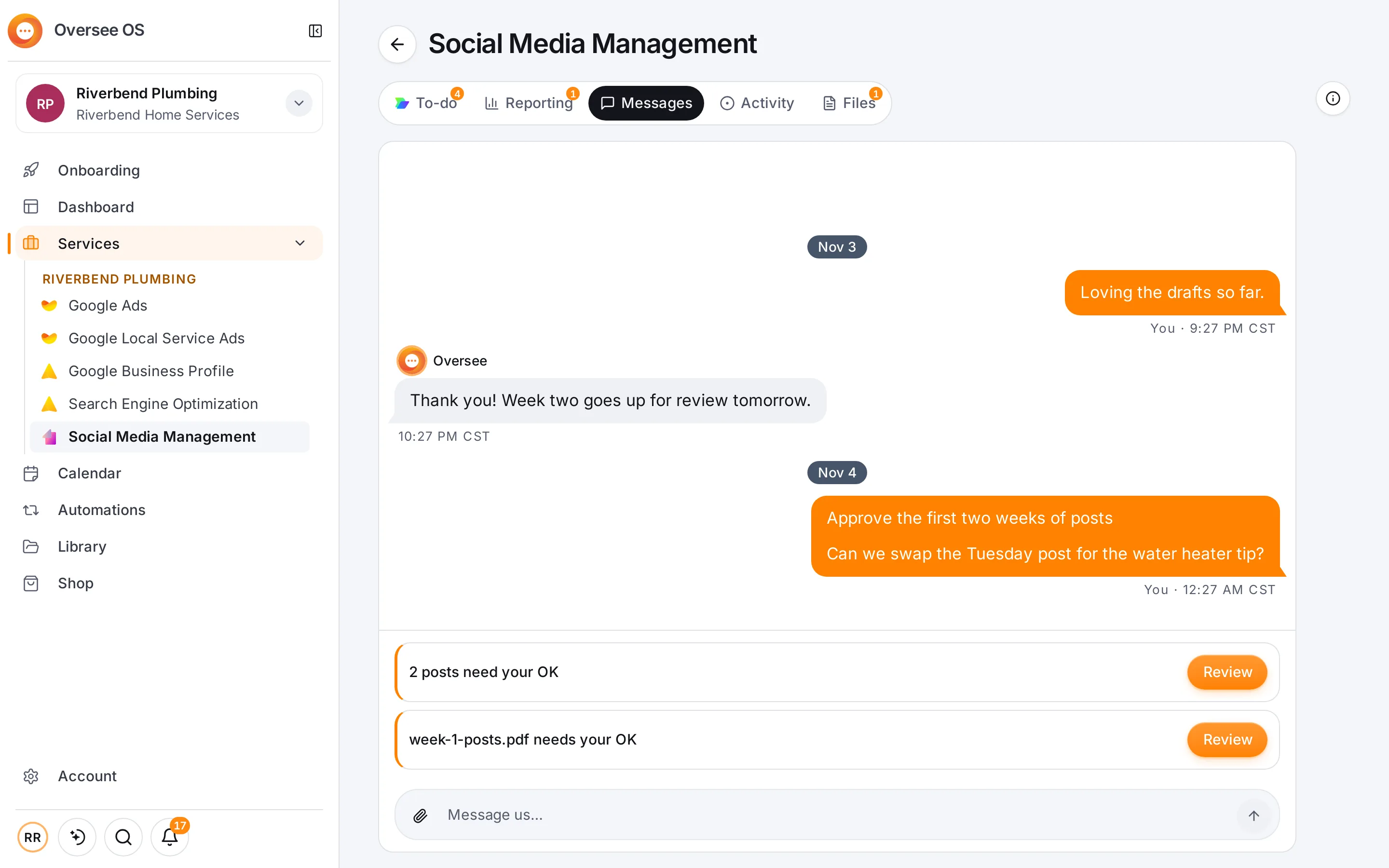
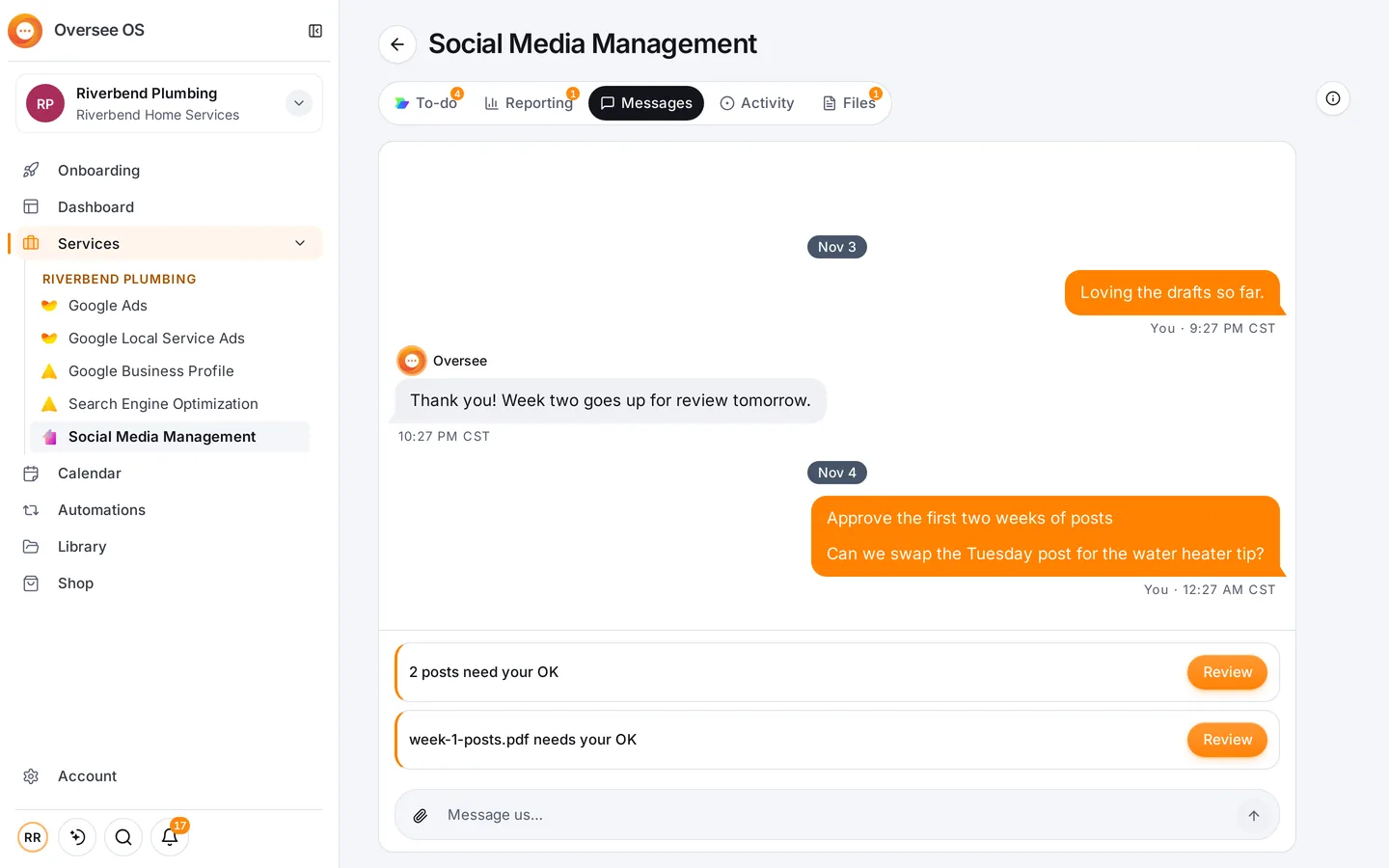
- Services and results. Every service you have gets its own page, with To-do, Reporting, Messages, Activity and Files.
- Messages with your team. Ask a question, answer one, or look over a file, right next to the work.
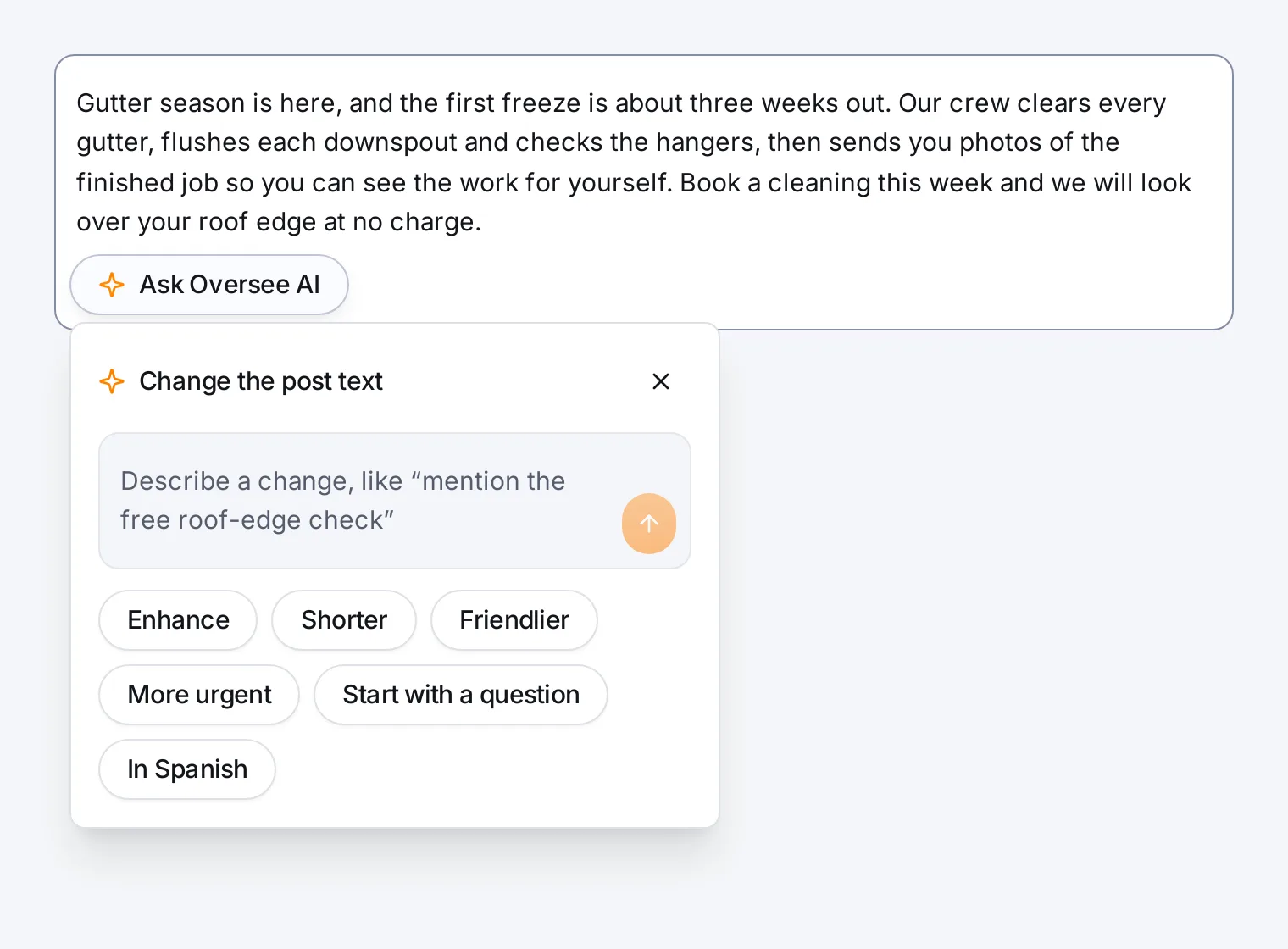
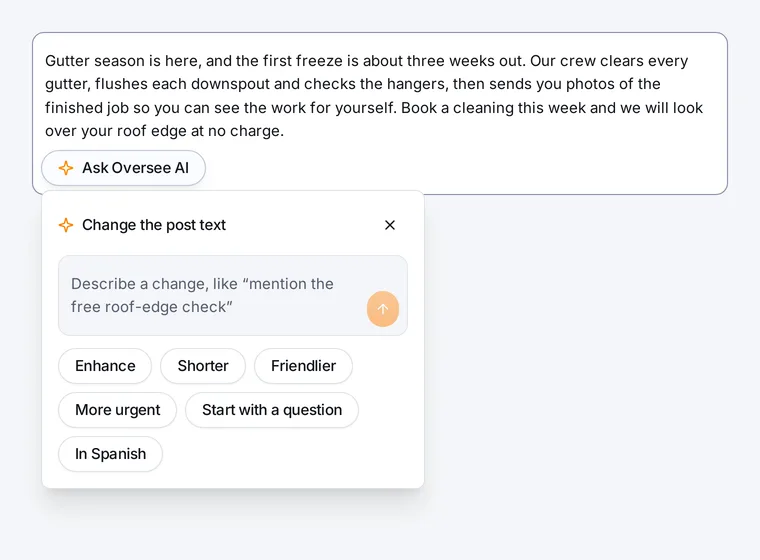
- Oversee AI. Built into the text boxes you already use: posts on social, articles, pictures and clips, a look through your ads and your data, and SEO backlinks. AI pictures and clips are paid per use from your AI balance.
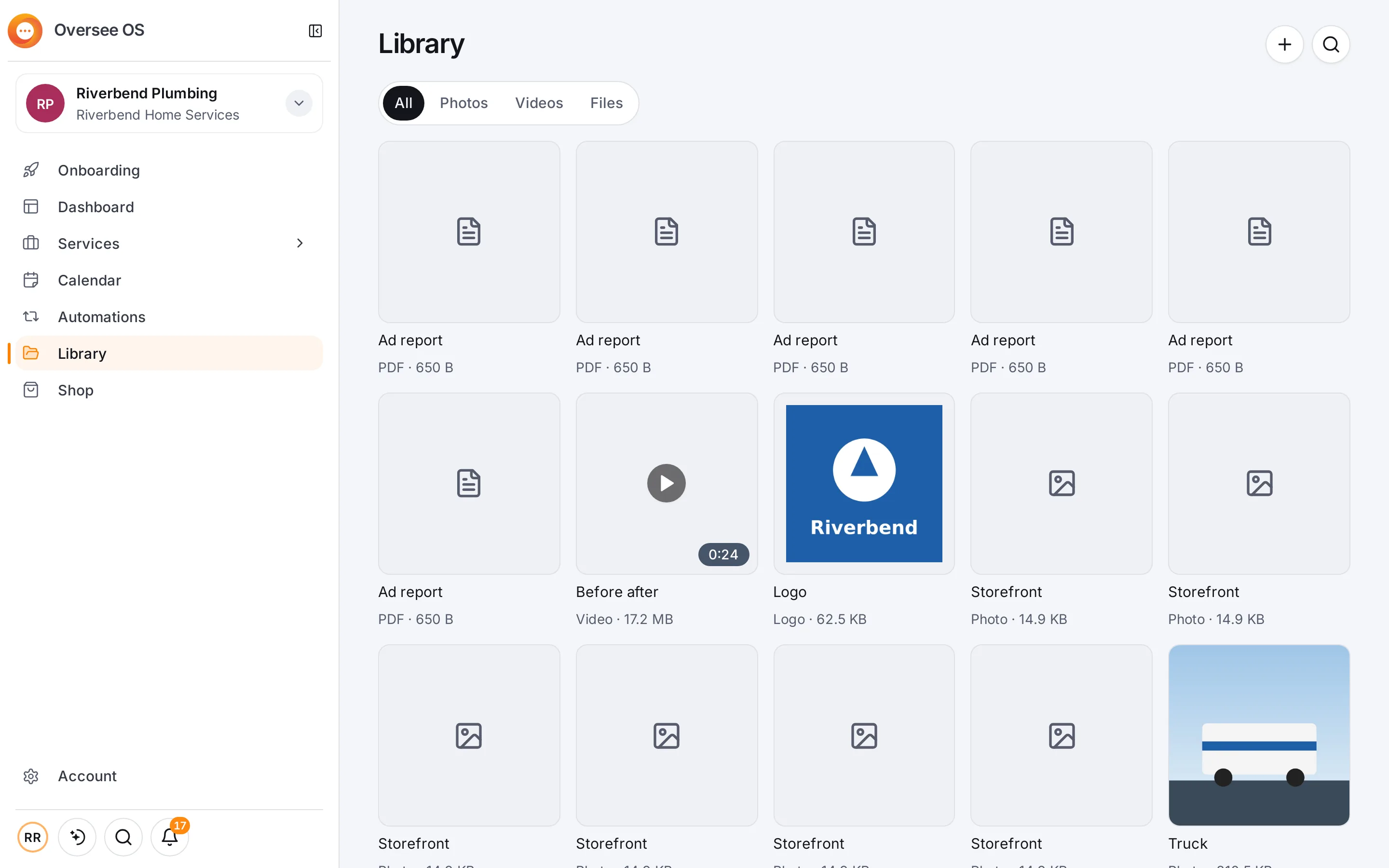
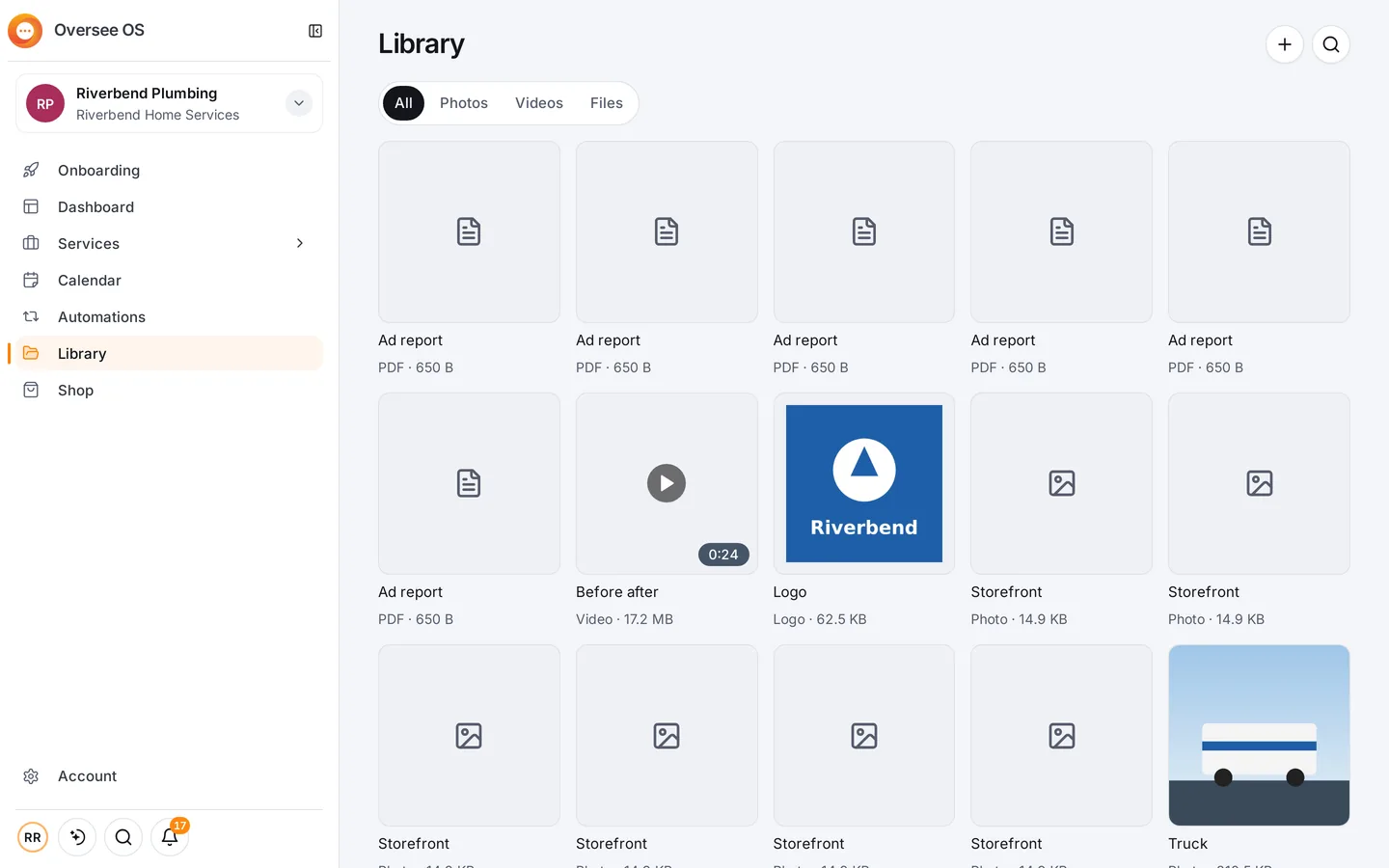
- Library. Photos, videos and files for each business, ready to add to a post.
- Connections and Onboarding. Your ad, social, search and website accounts, each connected once, with a short list of steps to get there.
- Any screen, every business. The same Oversee OS on your computer and your phone, in light or dark, with more than one location or brand in one account. Nothing to install.
How it works
- Start free. Sign up and you can use it today.
- Connect your accounts once. Onboarding walks you through it, a step at a time, and every tool uses them.
- Set it once. Switch on an automation and choose for each one: ask me first, or go ahead.
- Approve what goes out. A month’s topics come first, then each post before its day, and a post is scheduled as soon as it is approved.
- Hand any part to the team. Start one way and switch any time; your Oversee team can take over whenever you like.
Questions
What is Oversee OS?
Oversee OS is the app from Oversee Agency that holds your marketing in one place: your results, messages with the team, approvals, your files and Oversee AI. It works on your computer and your phone, with nothing to install.
What is the difference between Done for you and Do it yourself?
With Done for you, your Oversee team does the work and Oversee OS is where you watch it happen, message the team and approve what goes out. With Do it yourself, you run the tools, with Oversee AI doing the heavy lifting.
What does Oversee OS cost?
Do it yourself is free to start; AI pictures and clips are paid per use from your AI balance. Done for you costs the services and plans you pick, which are listed on the pricing page.
Can I switch between the two ways?
Yes. Start the way you want and switch any time. You can hand any part to the Oversee team whenever you like.
Does anything go out without my approval?
No. Nothing goes out until you say so, unless you choose autopilot for an automation. For each automation you choose: ask me first, or go ahead.
What can Oversee AI do?
It posts on social, analyses your ads, writes articles, digs into your data, makes pictures and clips, and buys SEO backlinks. Creating and editing ads is coming soon.
What are automations?
SEO Autopilot, Social posts, Articles and Report. Each one works through part of your marketing on a schedule, and you can pause it whenever you like.
Does Oversee OS work on my phone?
Yes. It is the same Oversee OS on your computer and your phone, in light or dark.