




Description
If you sell to other businesses, the hard part is reaching the person who makes the buying decision. LinkedIn lets us aim your ads at people by the work they do and the company they work for. We set it up, make the ads and keep the campaigns working.
What’s included
- Audience planning. We build your audience from the job titles, industries, company sizes and locations you want to reach.
- Ads made for you. We make the images, videos and written copy for your ads.
- Lead forms. Where it suits your offer, we run ads with a built-in form so people can send their details without leaving LinkedIn.
- Tracking set up first. We add LinkedIn’s tracking code to your website so it can start building audiences from your visitors, then test that your leads are counted.
How it works
- Tell us who you want to reach. The job titles, industries, company sizes and locations you’re after, plus the monthly budget you have in mind.
- Give us access. In one click, give our team access to your LinkedIn ad account and company page. No ad account yet? We set one up.
- We build and launch. We build your audiences, ads and budgets, and switch the campaigns on once tracking is tested.
- We keep improving it. We regularly adjust audiences, ads and budgets based on which ones bring in leads.
In your client dashboard
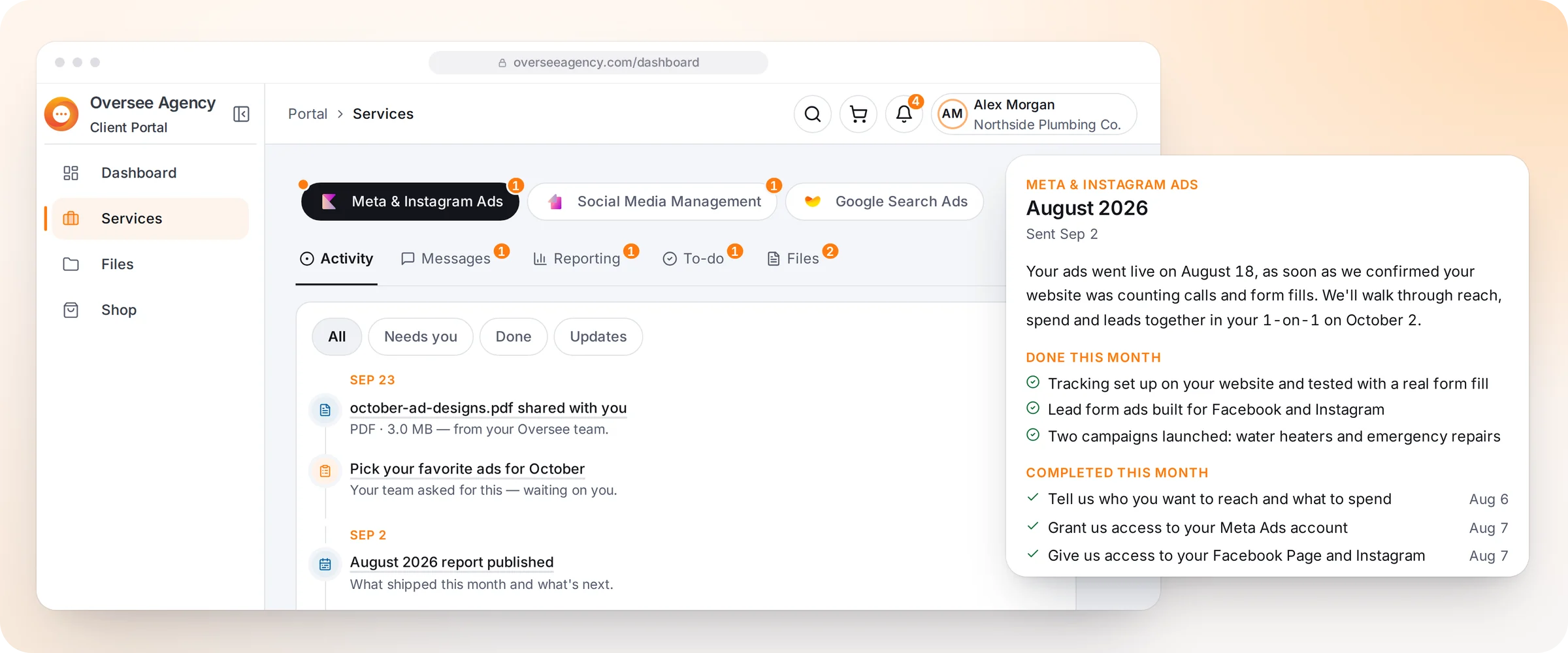
- Your results. Your 1-on-1 meetings and monthly report cover your spend and leads.
- Progress. Follow each setup step, including anything we need from you.
- Files. Upload your logo, photos and documents and download what we share, all stored privately.
- Messages. Message the team running your ads directly.
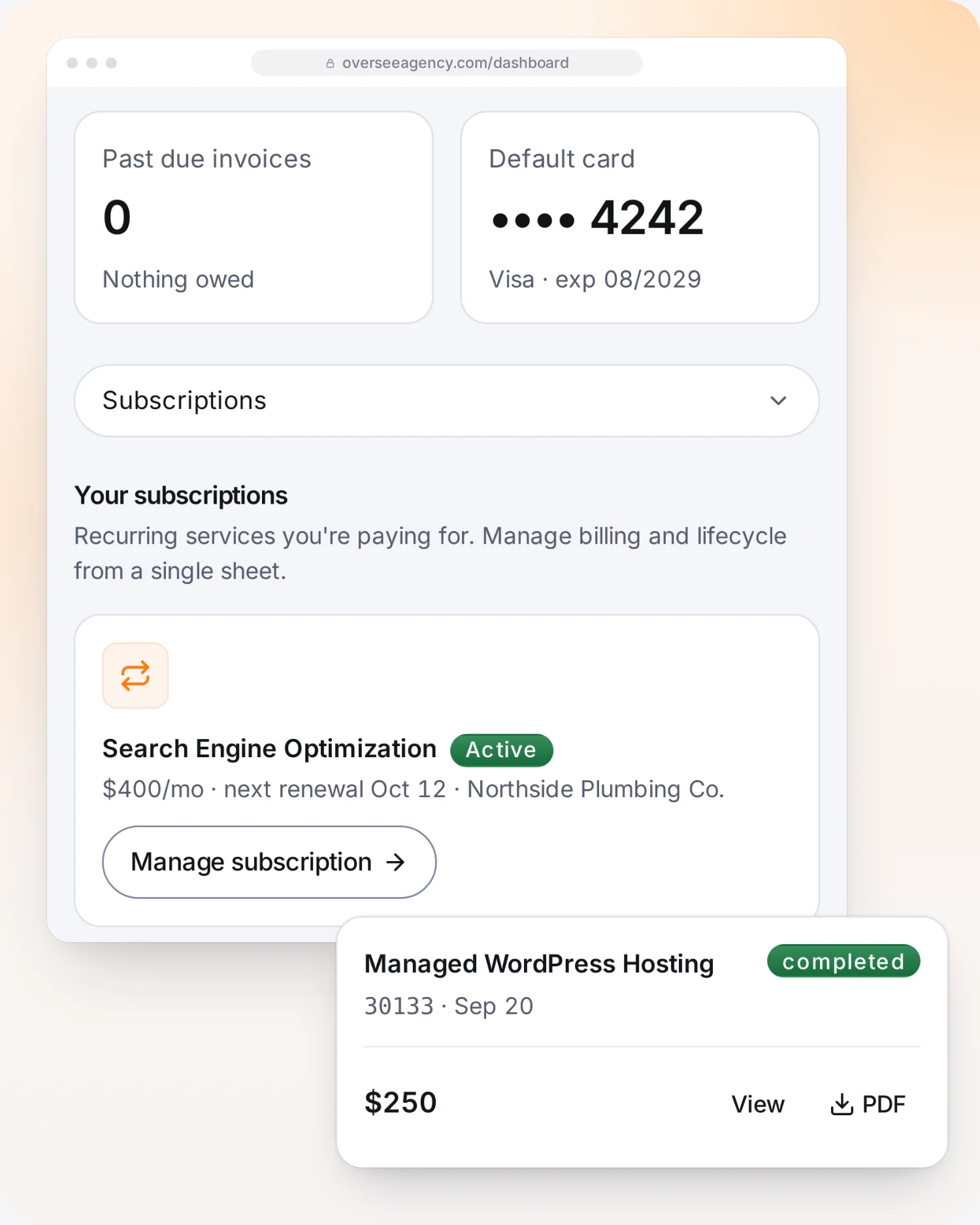
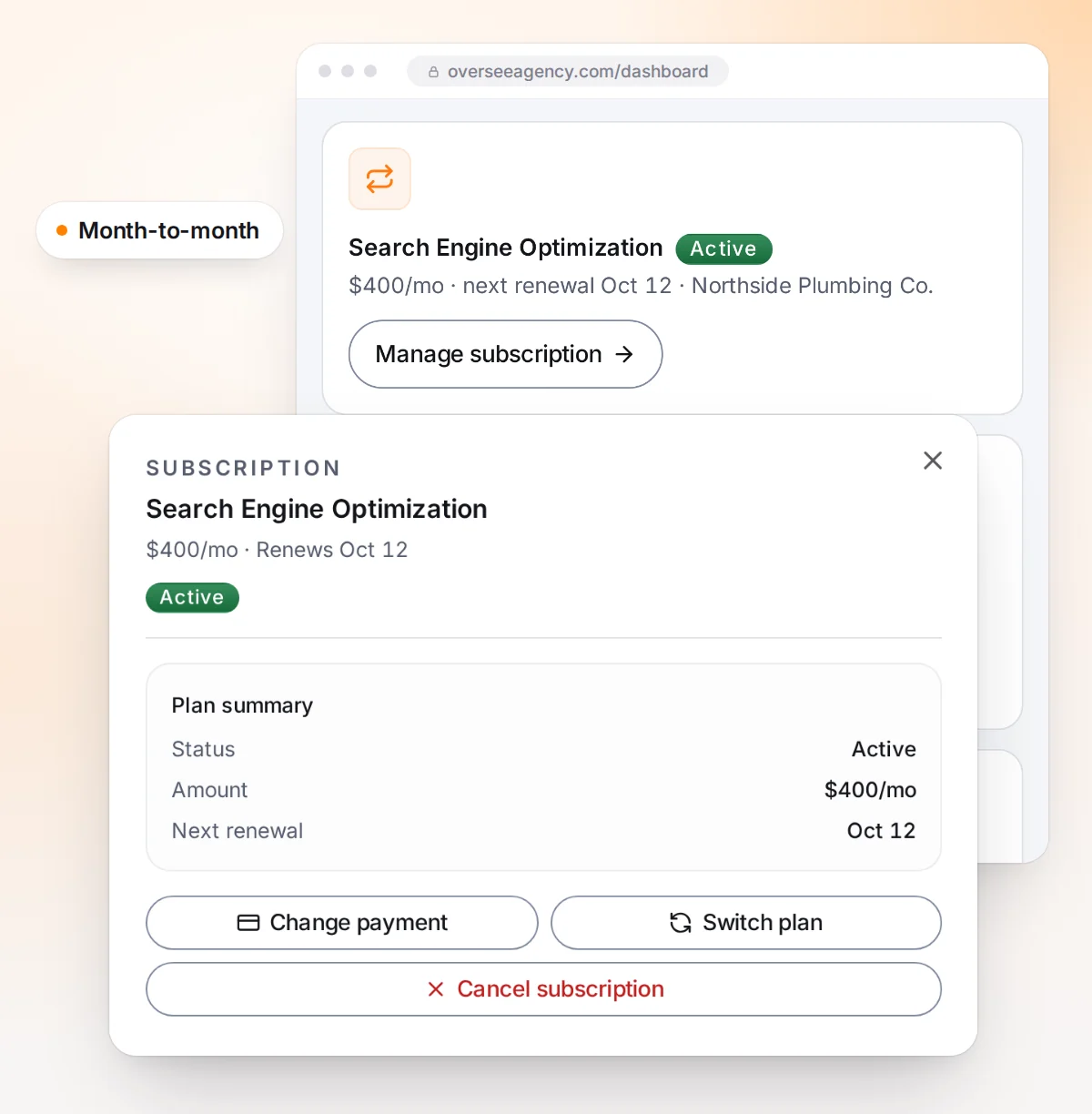
- Billing. See your plan and invoices, pay online and update your card.
Good to know
- Your plan covers our management and the ads we make. The ad budget itself is paid to LinkedIn directly, never to us.
- Clicks on LinkedIn usually cost more than on many other ad platforms, so the budget you choose shapes how many people we can reach.
- We add tracking code to your website before launch, so we may ask for access to your site.
- The plan runs month to month.
Questions
What do you need from me?
- The job titles, industries and locations you're after
- Access to your LinkedIn ad account and company page
- Access to your website, so we can add tracking
What happens after I order?
- Tell us who you want to reach and your monthly budget.
- Give our team access to your ad account and company page.
- We launch once tracking is tested, then improve it every month.