
Description
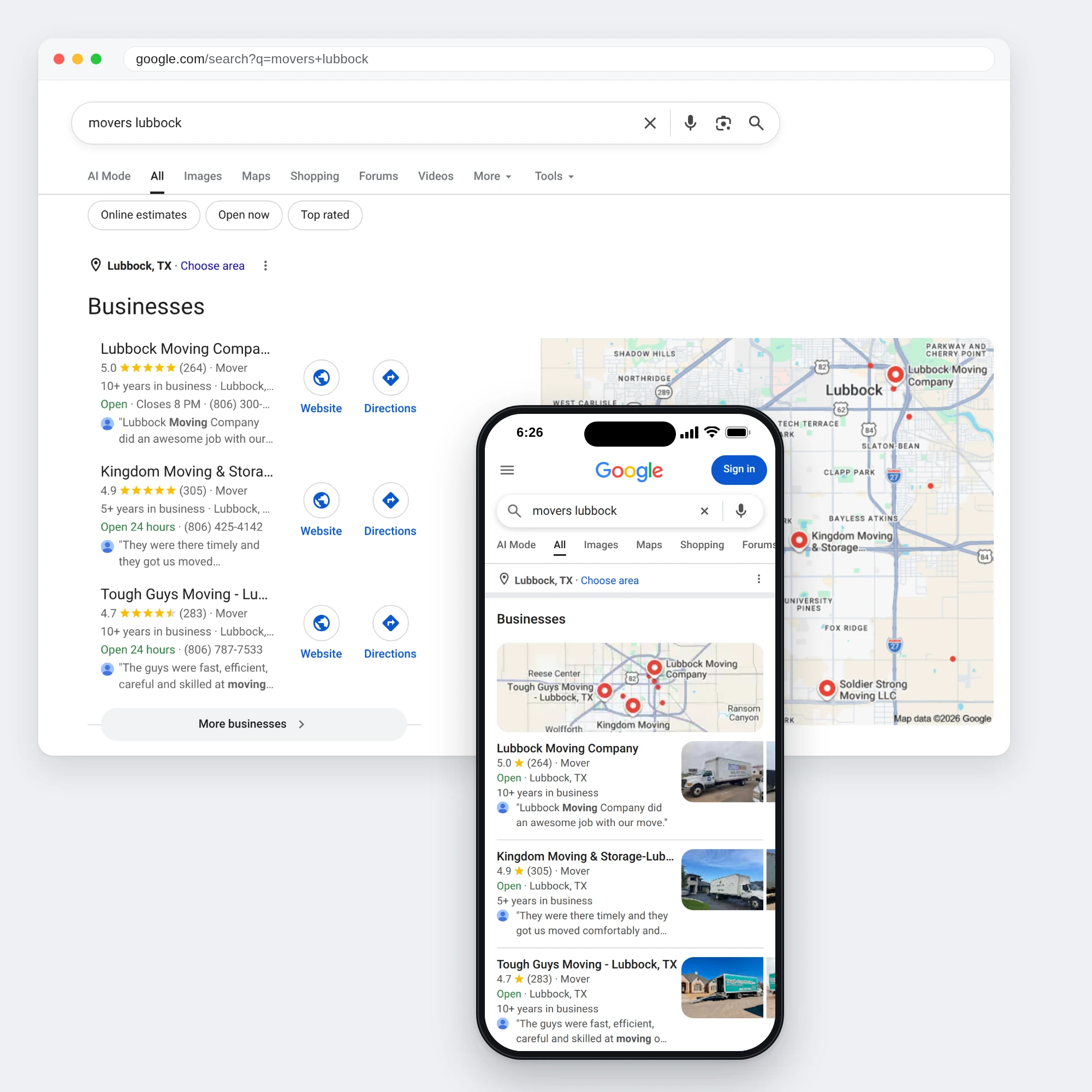
When someone nearby looks you up on Google Search or Maps, your Business Profile is often the first thing they see. It should show the right hours, phone number, photos and services. We build your profile once, then keep it current for you every month.
What’s included when you start
- Your profile. We create your Google Business Profile, or work on the one you already have.
- Business details. We fill in your name, address or service area, phone number, website, hours and the categories that fit your work.
- Description. We write a description that says plainly what you do and the areas you serve.
- Logo and cover photo. We upload your logo and a cover photo that fits your brand.
- Map location. We check that your business sits in the right place on Google Maps.
- Services and products. We add what you sell to your profile, laid out clearly.
- Reviews. We show you how to ask every customer for a Google review.
- Posts. We set up posts on your profile, so you can share news, offers and events.
Every month after that, we keep your profile current
- Hours. Your regular and holiday hours kept accurate.
- Photos. New photos of your business, work and team added to the profile.
- Services and products. Your listings updated when what you offer changes.
- Business information. Phone, website, address and description kept correct.
How it works
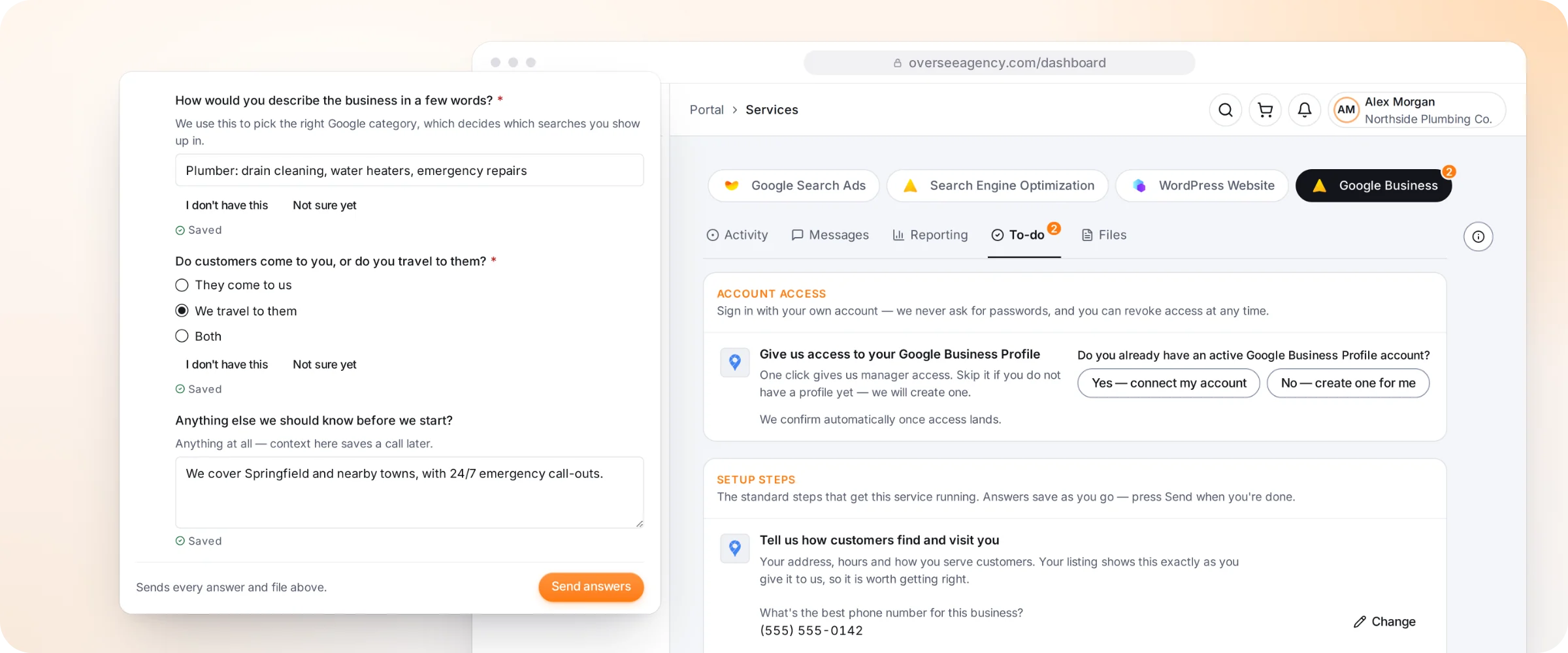
- Tell us about your business. A short form covers your address, hours and how you serve customers, and you send your logo and photos.
- Give us access. If you have a profile, one click gives our team manager access; if not, we create one for you.
- We build and verify. We complete your profile and start Google’s verification early, because your profile doesn’t show on Maps until it clears.
In your client dashboard
- Your results. Your 1-on-1 meetings and monthly report cover how your profile is doing.
- Progress. Follow each setup step, including Google’s verification.
- Files. Upload your logo and photos and download what we share, all stored privately.
- Messages. Message the team looking after your profile directly.
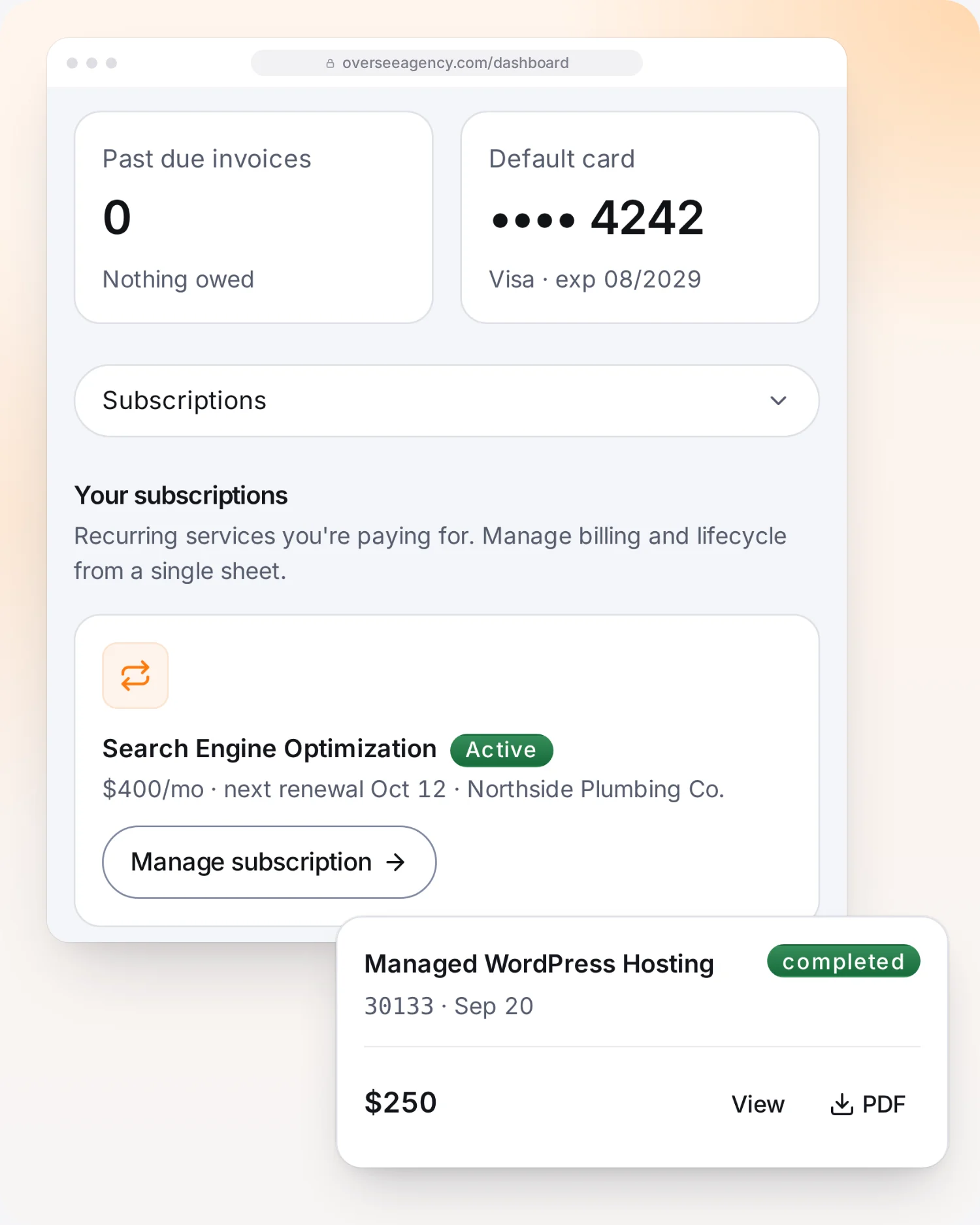
- Billing. See your plan and invoices, pay online and update your card.
Good to know
- Verification may need you: Google usually mails a code to your address or asks for a video call.
- Google shows your details exactly as you give them to us, so accurate answers matter.
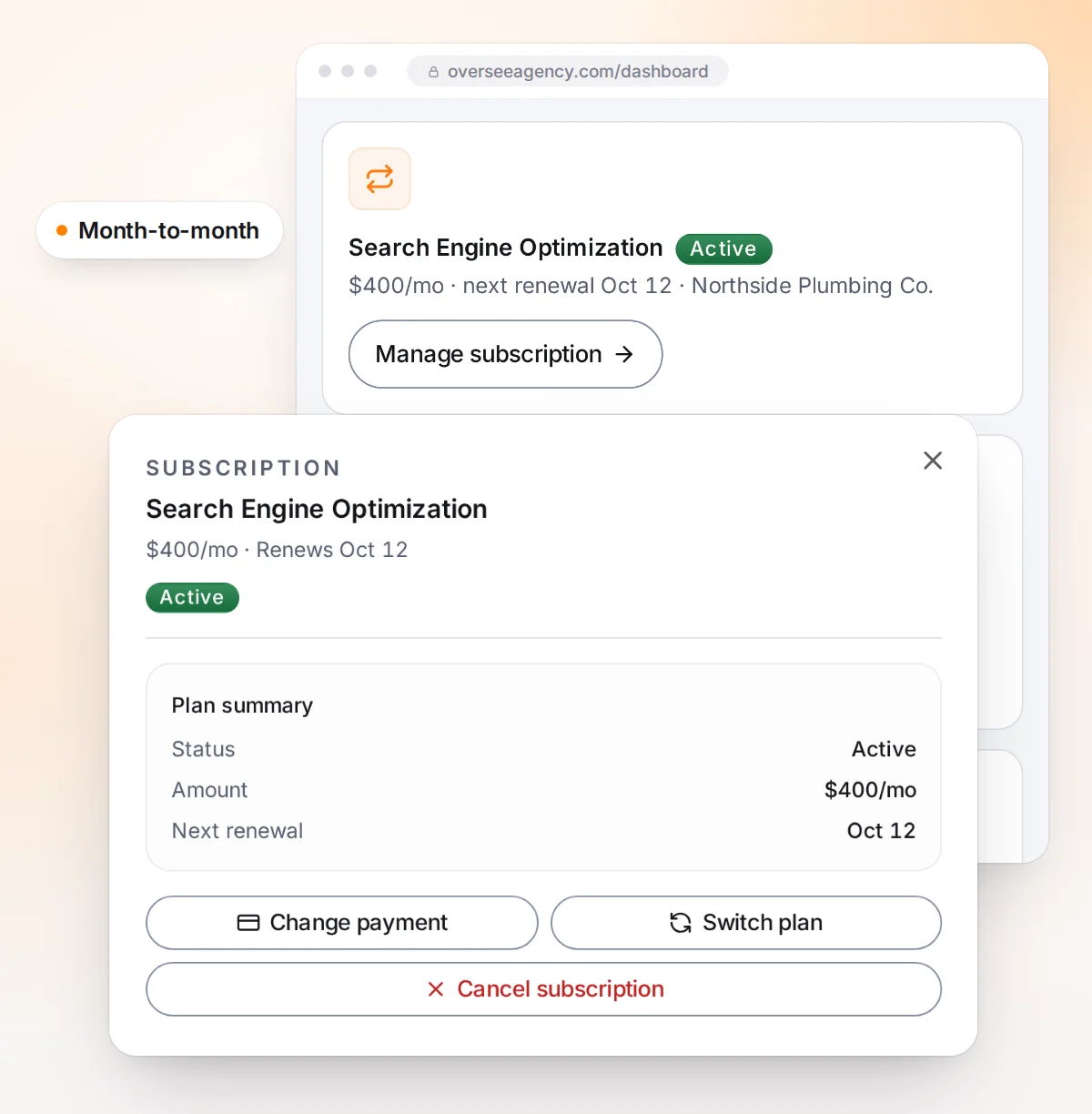
- The plan runs month to month.
Rachel M., Hub City Pilates –
Our profile was a mess, with wrong hours and old photos. They cleaned it all up, got it verified, and we started showing up on Maps right away.
Tony S., Salinas Lawn Service –
Cheap, fast, and done right. More calls from Google Maps the very next week.
Kim P. –
I didn’t even know I had a duplicate listing hurting me. They fixed it.